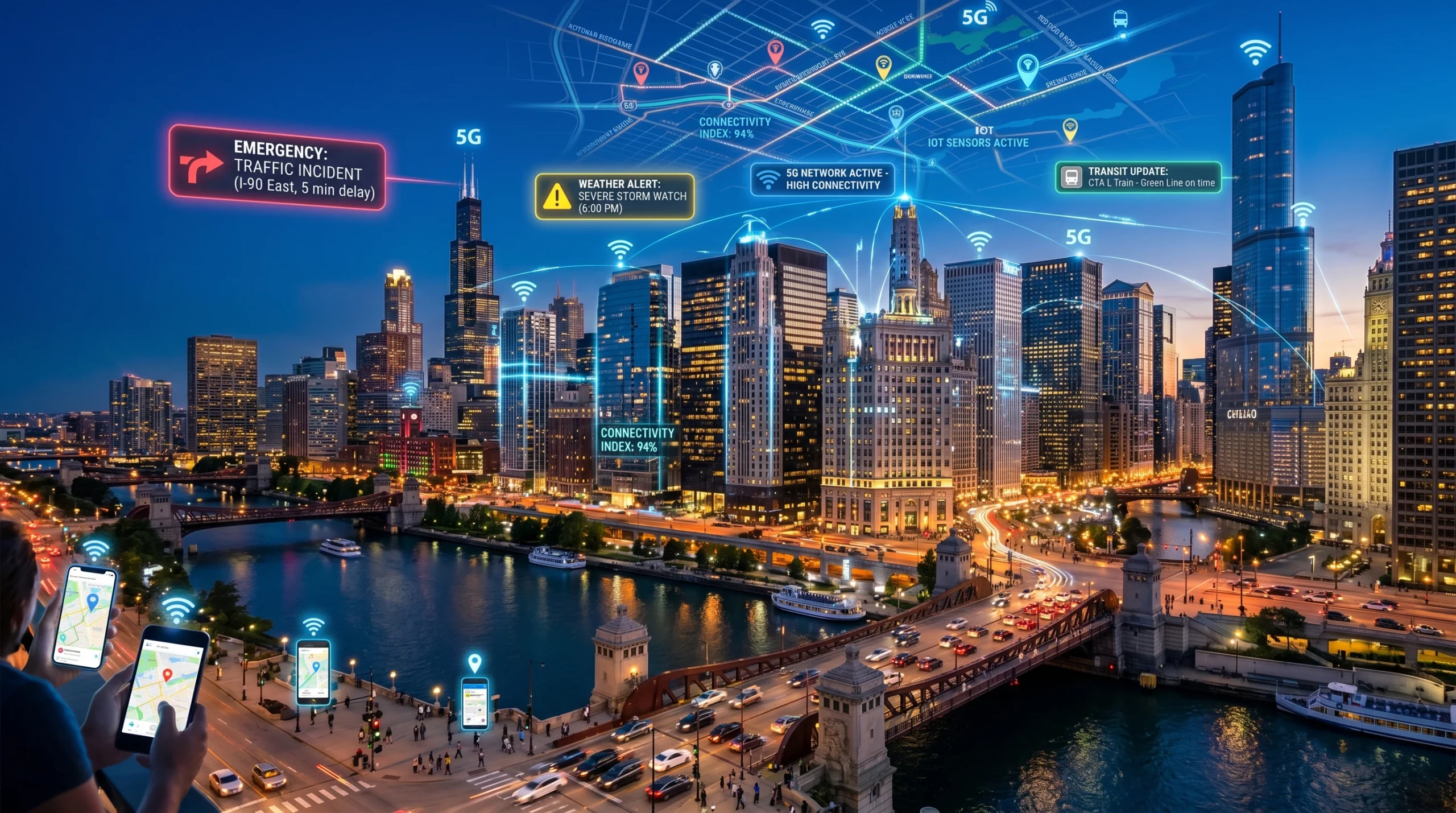
Staying up-to-date during city wide emergencies isn’t always easy, especially when information changes by the minute. Having the right tech tools and knowing how to use them can make a huge difference, helping you get accurate updates faster, avoid misinformation, and even assist others who might need support. Here, I’ll walk you through some practical ways to use technology for staying informed and prepared when your city faces any kind of emergency, whether it’s a big storm, wildfire, or a sudden power outage.
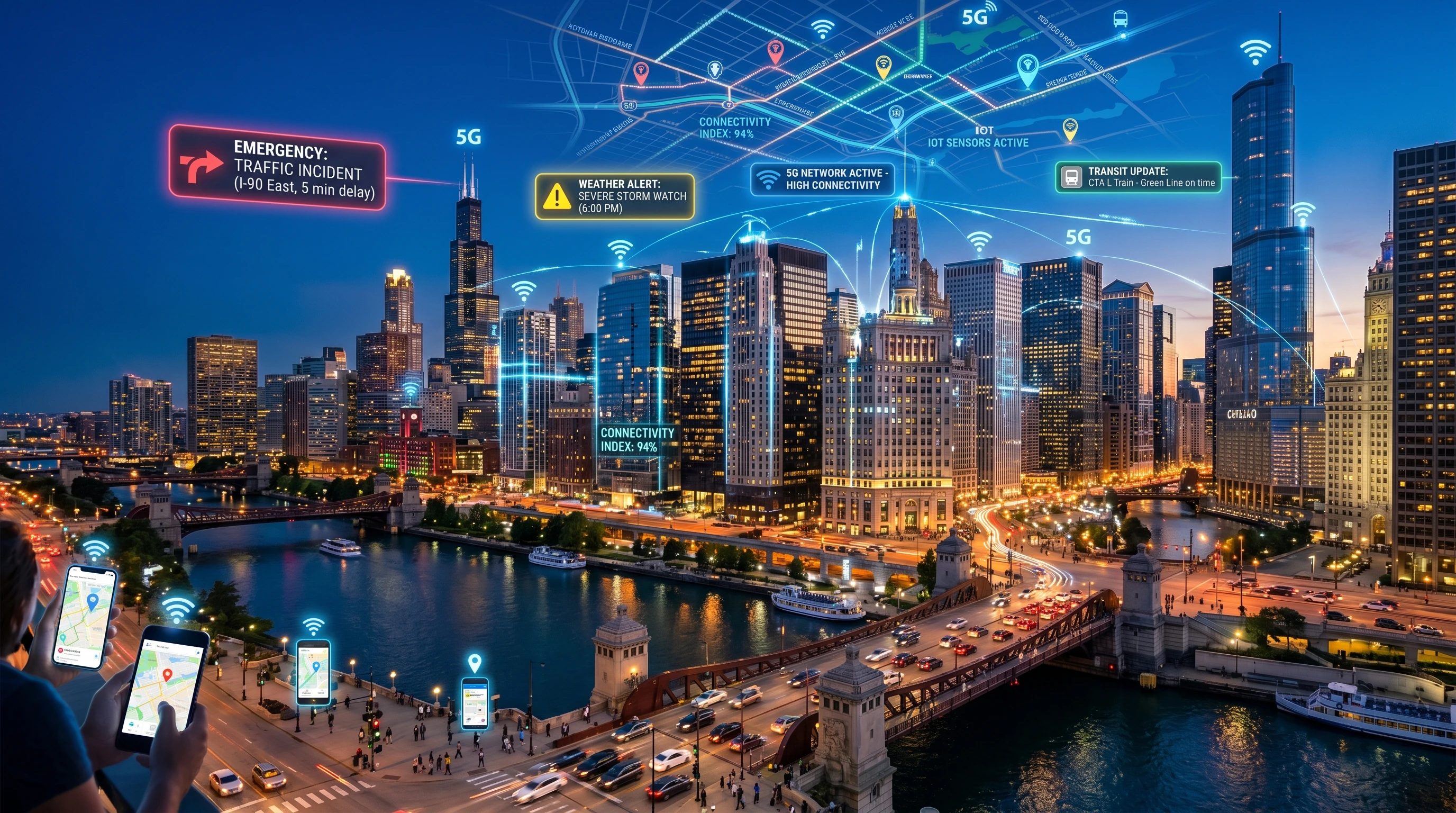
How Tech Has Changed Emergency Information
Emergencies used to mean listening to the radio, checking TV updates, or hearing from neighbors. Now, real-time info comes straight to your pocket with smartphones, smartwatches, and connected devices. According to research by the Pew Research Center, over 80% of people in the U.S. own smartphones, so it’s no surprise these devices have become the go-to for alerts and updates. Local agencies, news stations, and emergency services all have digital channels that help residents stay in the loop.
Social media plays a big role too, both in spreading immediate news and sharing steps people can take to stay safe. But keeping up isn’t about grabbing every update you see, it’s about knowing where to look, and what sources to trust. These days, being able to spot a reliable social post or knowing which hashtag gives you accurate, city-specific updates is a real advantage when things are uncertain.
Setting Up Your Devices for Emergency Alerts
Most smartphones come with built-in support for emergency notifications, so you don’t actually need extra apps to start getting critical alerts about severe weather, evacuations, or important city news. It’s pretty important to check if Wireless Emergency Alerts (WEA) and AMBER Alerts are enabled in your phone’s settings. These come directly from government and local authorities, so they show up even if you’re not actively using your phone.
Here’s a practical checklist for prepping your devices:
- Enable emergency alerts: On iPhone and Android devices, this is found in your notification or safety settings.
- Download local emergency management or weather apps: Apps like FEMA, Red Cross, or your city’s official app are worth adding. Some, like the Red Cross Emergency App, let you customize alerts by type and location.
- Sign up for local text or email alerts: Many fire departments, police departments, and city governments offer direct alerts for residents. Check your city or county’s website to opt in.
- Double-check your notification settings: Make sure critical alerts won’t be missed if you’re in Do Not Disturb mode, and that your phone volume isn’t muted.
Taking a few moments to make sure emergency notifications are set up correctly can make all the difference during a real crisis and help you avoid missing key updates.
Useful Apps and Online Tools for Emergency Info
I’ve tried dozens of apps and services for emergency updates, and several almost always deliver fast, all-in-one alerts:
- Radar and weather tracking apps: MyRadar, AccuWeather, and NOAA Weather Radar give super accurate weather and storm tracking so you can easily tell when danger is on the way.
- Neighborhood communication apps: Nextdoor and Citizen provide location-based notifications and updates from neighbors and local agencies.
- Government alert apps: FEMA and your city’s Office of Emergency Management usually have apps or SMS opt-ins for real-time info tailored to your area.
- Social media platforms: Twitter (now X) is excellent if you follow official city, emergency, and local news accounts. Facebook is also good for checking citywide groups and pages focused on emergencies in your local community.
It helps to customize your app alerts by type, location, and urgency so your phone isn’t buzzing every few minutes but still notifies you when something major happens in your vicinity. Some apps even offer “silent mode except for emergencies,” which can be a game changer during intense events.
Preparing for Power Outages and Connectivity Loss
Keeping your tech running during an emergency is just as important as having the best apps at the ready. Here’s what I keep on hand:
- Portable power banks: These are a must-have for keeping your phone and other devices charged up during an outage.
- Emergency radios: If your internet or cell service drops, a battery-powered or crank radio tuned to local stations can still give you updates.
- Offline maps: Navigation apps like Google Maps let you save maps of your area offline. This way, you can locate services or evacuation routes even if the network is down.
- Pre-downloaded documents: Save important info like emergency phone numbers, family contacts, and shelter lists in your notes app or keep a printed copy handy.
If you rely on home WiFi, a backup hotspot (either a mobile hotspot device or using your phone’s hotspot feature) can offer some comfort. Just remember, networks sometimes get overwhelmed, especially if everyone nearby is trying to get online at once.
Filtering Reliable Information and Avoiding Misinformation
Tech brings a flood of news, but not everything you read or see will be accurate, especially in fast-moving situations. False news, rumors, and outdated info spread fast during emergencies. I always double-check details before sharing:
- Stick with official sources: Prioritize updates from government, local emergency agencies, or trusted news outlets. City and county Twitter accounts are usually updated quickly during urgent events.
- Use verification tools: Reverse image searches (like Google Images) can help you check if a photo is current or just a recycled image from a past disaster. Fact-checking services such as Snopes or reputable local news stay on top of corrections and clarifications.
- Check timestamps: Sometimes posts from old events resurface. Always look at the date of alerts and articles before acting on them or passing them along.
Sharing information is key, but it’s important to share only what’s confirmed. Misinformation can trigger unnecessary panic and, in some cases, put people at risk.
Collaborating With Your Community Online
Neighborhood groups and group chats have become essential for looking out for each other during emergencies. For example, during a past blackout in my area, an ongoing group chat with neighbors helped everyone share who had power, find charging stations, and check which grocery stores were open. Set these up before trouble hits for best results.
- Neighborhood apps: Nextdoor and similar platforms let people check in, ask for help, or list available resources like sandbags or bottled water.
- Social check-ins: Facebook’s Safety Check lets you mark yourself safe after big disasters, so friends and family don’t worry.
- Community hotspots: Certain cities list public buildings as WiFi and charging locations in an emergency. Your local city website usually provides these updates when a crisis happens.
Being involved in online neighborhood networks not only keeps you in the loop but also fosters a sense of community. It encourages everyone to help out and spot who might need extra assistance or supplies.
Tech Prep Helps You React Faster
- Back up your contacts: Cloud backups or exporting your contact list ensures you can still reach important people if your phone glitches out.
- Get familiar with notification settings: Even a quick review before a big storm or planned outage preps you to handle alerts without confusion.
- Test your apps often: Try a practice alert or review notification demos so you know which sounds and symbols mean “urgent” versus just more news.
- Share tech tips with family: A five-minute teach-in can help relatives who aren’t tech-savvy feel prepared and connected, too.
Being ready and a step ahead doesn’t just reduce stress; it can help you make quick, clear decisions when every second counts. Preparedness goes far beyond just having apps; it means knowing your setup works and training yourself to respond calmly and smartly—with or without full connectivity.
Challenges and How to Work Around Them
- Battery anxiety: Phones often drain faster in emergencies, especially with many updates and spotty signals. Stay charged by turning on power-saving mode and keeping backup power banks handy.
- Notification overload: Too many alerts can be exhausting. Customizing notifications stops you from getting flooded by less important updates and ensures you focus only on essential info.
- Connectivity problems: Some neighborhoods or crowded spots may have sluggish or unreliable networks during a crisis. Having offline materials or meeting points set ahead of time makes things smoother even when signals drop out.
- Rushed rumors: Fast-moving social media can spread false news. Take time to double-check before sharing anything that seems shaky or dramatic.
Frequently Asked Questions
Question: How do I turn on emergency alerts on my phone?
Answer: Emergency notifications are usually found in settings under notifications or “safety & emergency.” Be sure government and weather alerts are both switched on well before you need them.
Question: Are there apps that can help with evacuation directions?
Answer: Many city and state emergency apps offer links to updated evacuation maps. Google Maps’ crisis response and Waze sometimes show closures and hazards in real time, helping you avoid trouble spots quickly.
Question: What if I don’t have a smartphone?
Answer: Emergency radios and city-run SMS text updates are solid alternatives for staying in the know. Traditional local TV and radio news can still be counted on when all else fails.
Making Tech Work for You in Emergencies
Using technology during city wide emergencies is less about having next-level cool gadgets and more about knowing which tools work for your needs, setting them up in advance, and practicing with them. Building routines for double-checking alerts, charging up devices, and securing your connections is essential for quick action. Staying informed becomes much easier when you put tools that blend with your daily life to work, keep your gear in good shape, and rely on trustworthy—often official—sources. You can’t prepare for every scenario, but having some tech know-how and a calm attitude means you can make good decisions when the pressure’s on. Track down the tools that work best for you, keep your devices ready, and stay sharp during emergencies so you and your community come through stronger.